When a licence holder sends a Bulk Lot sample to an external laboratory for testing, the lab tests the sample for food allergens. A QA Technician must then transfer the allergen information to the Bulk Lot's lab report. Follow the steps below to customize the list of available food allergens.
Required permission(s): production_read
-
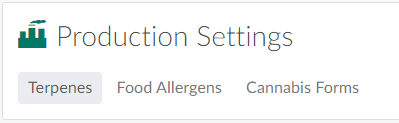
In the Productions module, open the Settings tab.
-
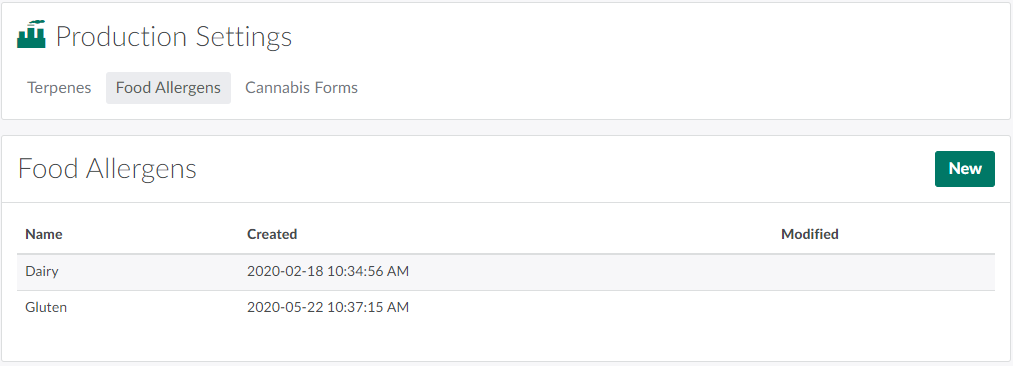
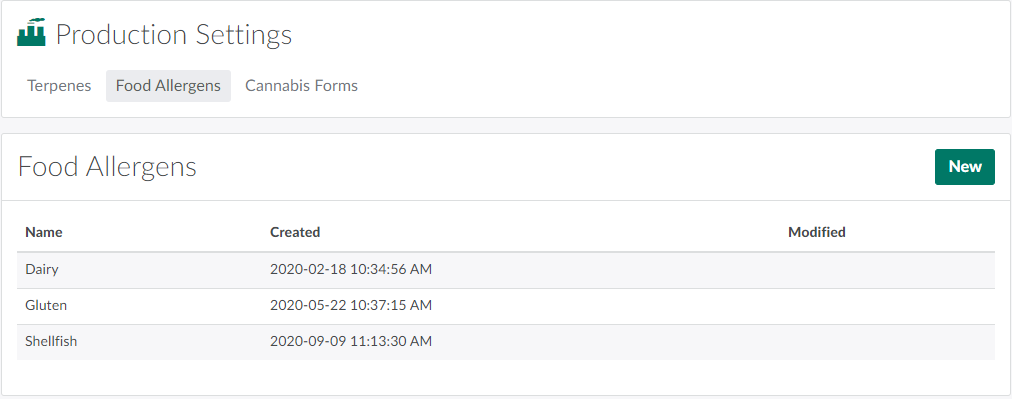
Open the Food Allergens sub-tab.
-
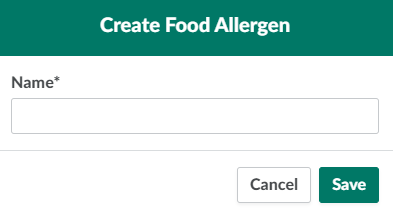
Click New.This opens a Create Food Allergen modal.
-
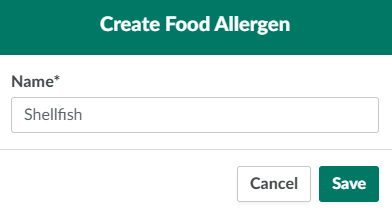
Enter a unique Name for the food allergen in the field provided.
-
Click Save to add the new food allergen.
The Productions Settings tab also allows QA Technicians to Add a New Terpene and Add a New Cannabis Form.