As plants grow, Grow Technicians may transfer the plants to another pot or growing medium. Follow the steps below to change an individual plant's pot type through the Grow module.
Note*: This process is also possible through the Gun App.*
Required permission(s): plant_read, plant_update
-
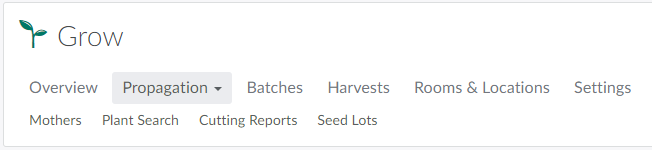
In the Grow module, open the Propagation tab.
-
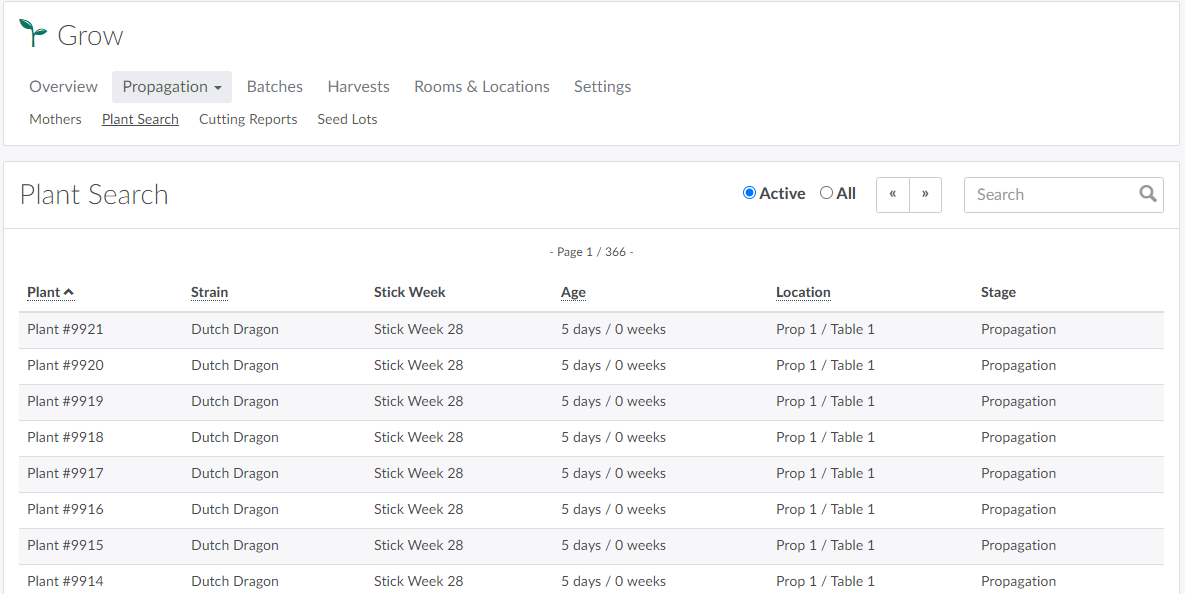
Select the Plant Search sub-tab.
-
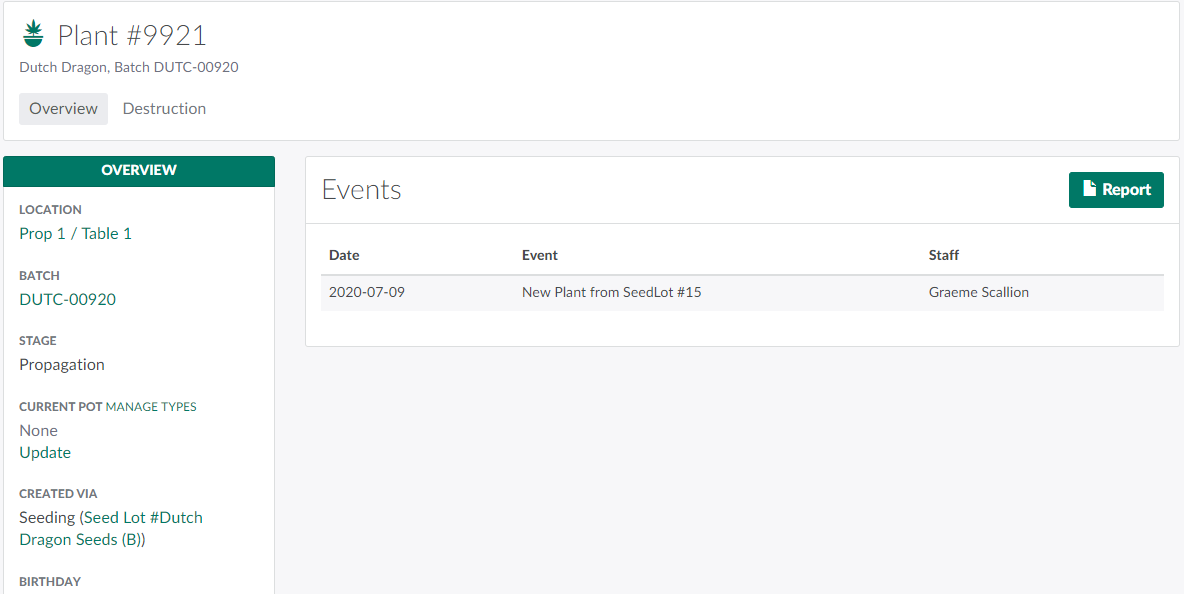
Select a plant from the list to open the Overview tab of the Plant's Profile.
-
Note*: Quickly locate a specific plant by entering its ID number in the search bar.*
-
-
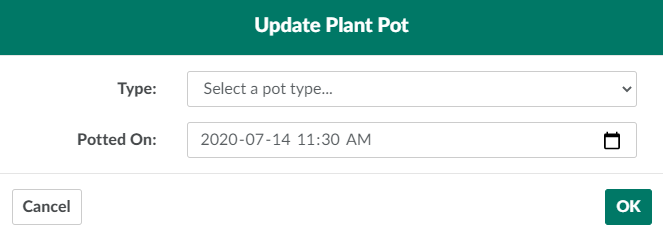
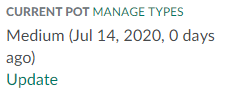
Under Current Pot, click Update to open the Update Plant Pot modal.
-
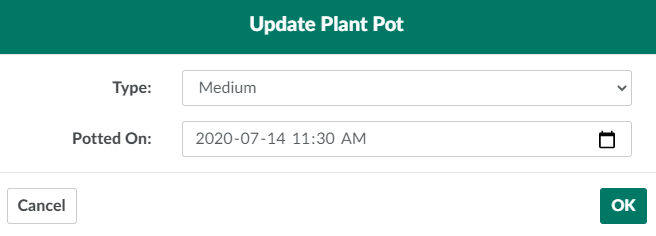
Select a new pot type and indicate when the plant was re-potted in the fields provided.
-
Click OK to update the plant's pot type.
Visit the Settings tab to Create a New Plant Pot Type.