A weekly shipping report tracks all shipments made with one or more carriers in a specific week. Follow the steps below to generate a weekly shipment report.
Required permission(s): report_order_read
-
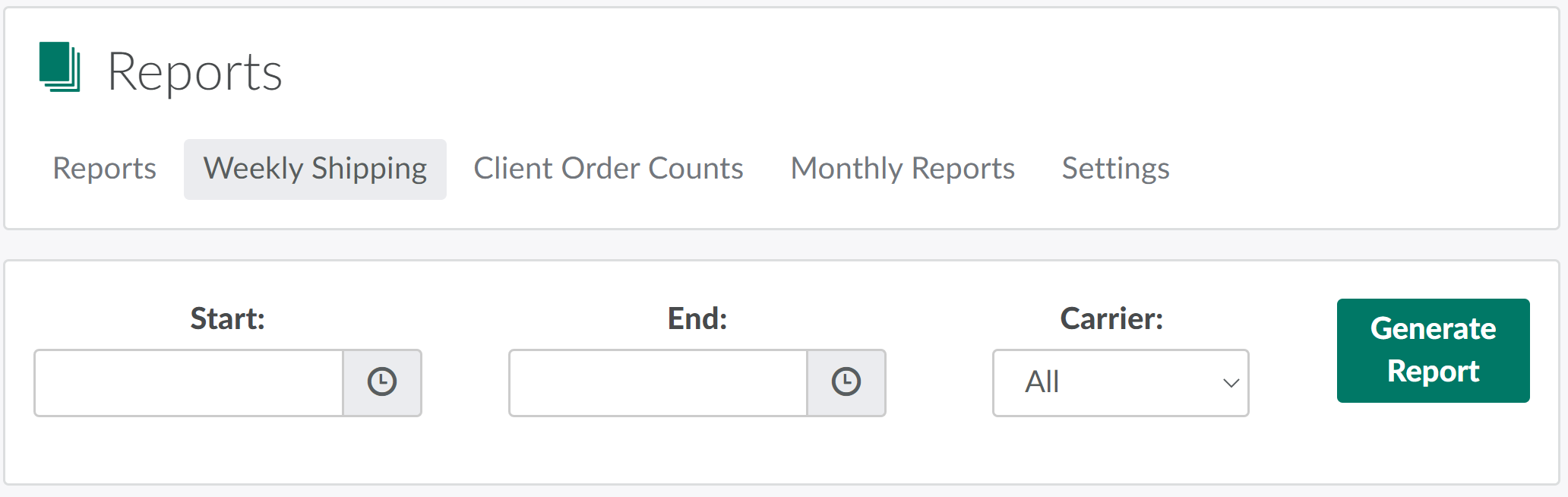
In the Reports module, open the Weekly Shipping tab.
-
Select the start and end dates for the report in the fields provided.

-
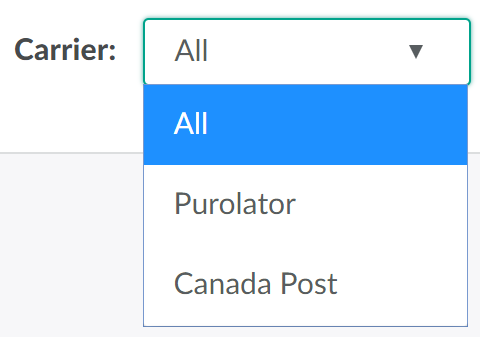
Open the Carrier drop-down menu and select the shipping carrier(s) to include in the report. Select All to pull data on all carriers.
-
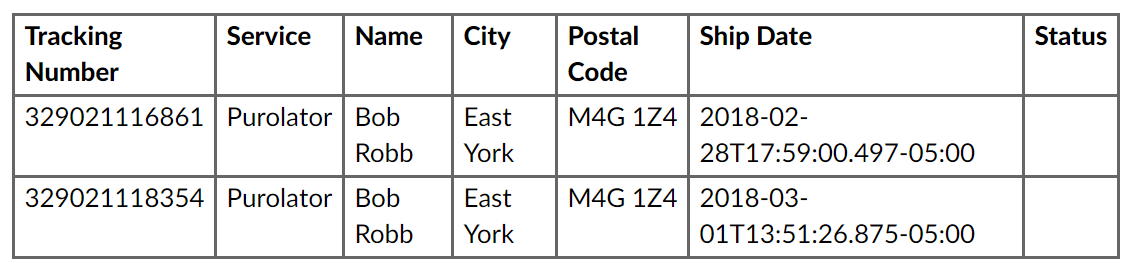
Click Generate Report to generate a report of all shipments made with the selected carrier in the selected week. You can print this form using your browser's normal printing option.
Note*: Generating a report with a large date range may take several minutes while data is collected. Try downloading reports periodically or wait until off hours for report generation.*
In the Reports module, you can also generate a CTLS Reporting Template, Healthcare Practitioners Report, Canada Revenue Agency Report, Monthly Weight Events Report, Batch Events Report, or Destruction Weight Events Report.