Complaint categories–such as QA, Customer Service, and *Production–*are general categories used to group similar complaint types. Follow the steps below to create a new complaint category.
-
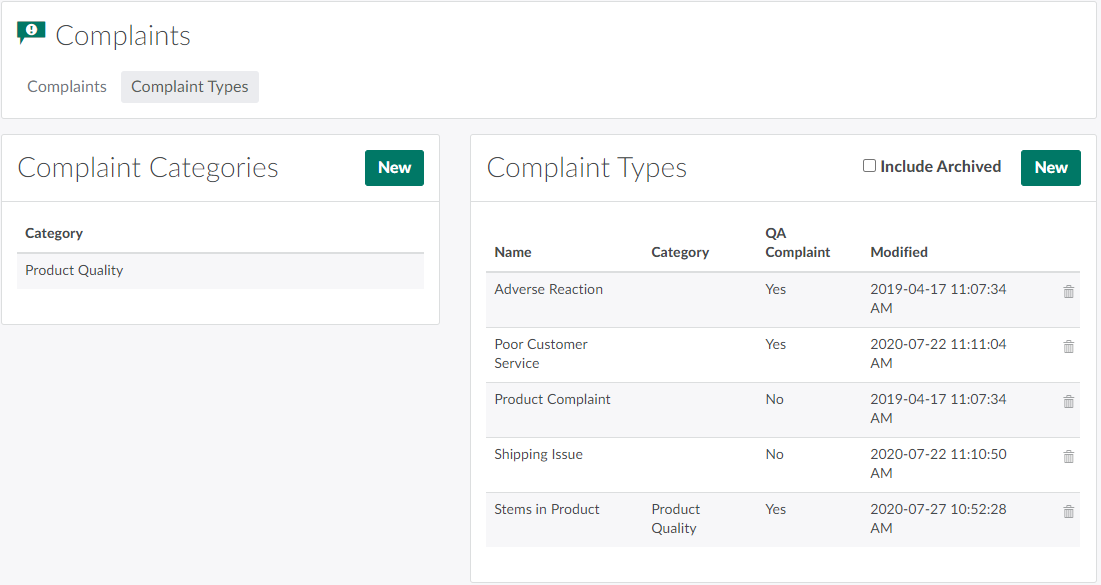
In the Complaints module, open the Complaint Types tab.
-
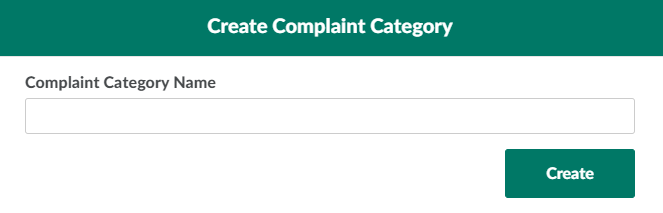
In the Complaint Categories section, click New.This opens the Create Complaint Category modal.
-
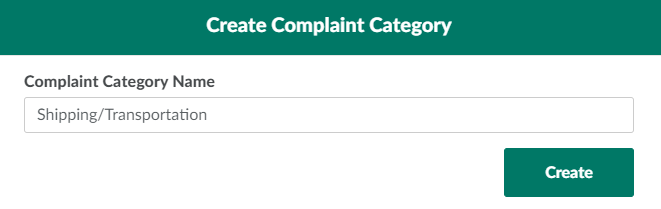
Enter a unique name for the complaint category in the provided field.
-
Click Create to add the new complaint category.
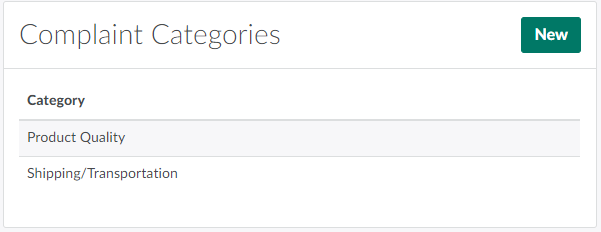
A complaint category may contain several complaint types. Click New in the Complaint Types section to Add a New Complaint Type.