When recording a complaint, a Customer Service Representative must select a complaint type to describe the specific problem. This could be a leaky bottle, an incorrect label, or a customer service grievance. Follow the steps below to add a new complaint type.
-
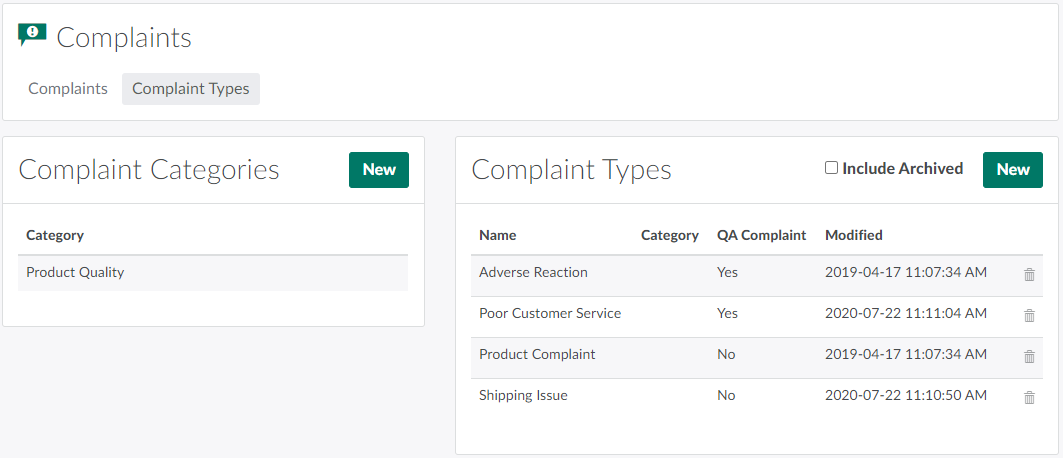
In the Complaints module, open the Complaint Types tab.
-
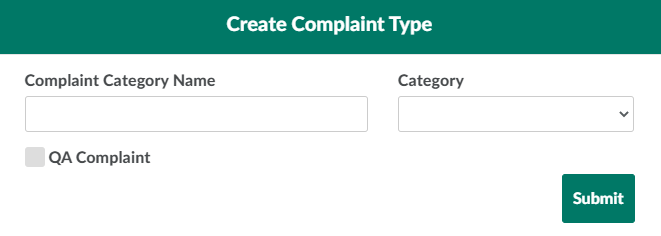
In the Complaint Types section, click New. This opens a Create Complaint Type modal.
-
Enter information about the new complaint type in the fields provided.
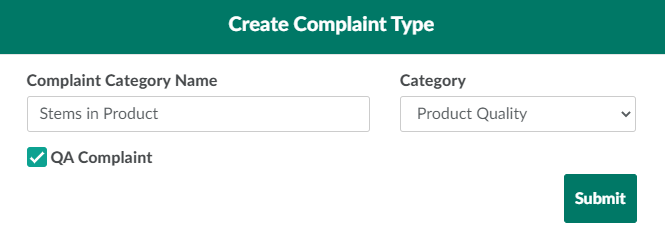
- Complaint Category Name: Enter a unique name for the complaint type.
- Category: Select the complaint category to which this complaint type belongs.
- QA Complaint: Select if this complaint type refers to a quality assurance issue.
-
Click Submit to add the new complaint type.
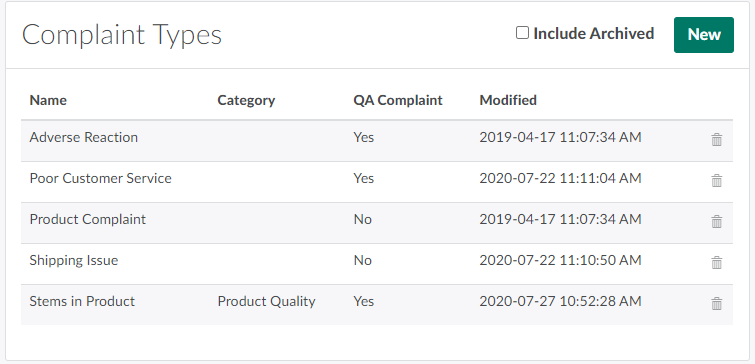
Click New in the Complaint Categories section to Add a New Complaint Category.