A Customer Service Representative–or CSR–can update a physician's information at any time by visiting the Physician's Profile.
Required permission(s): physician_read, physician_update
-
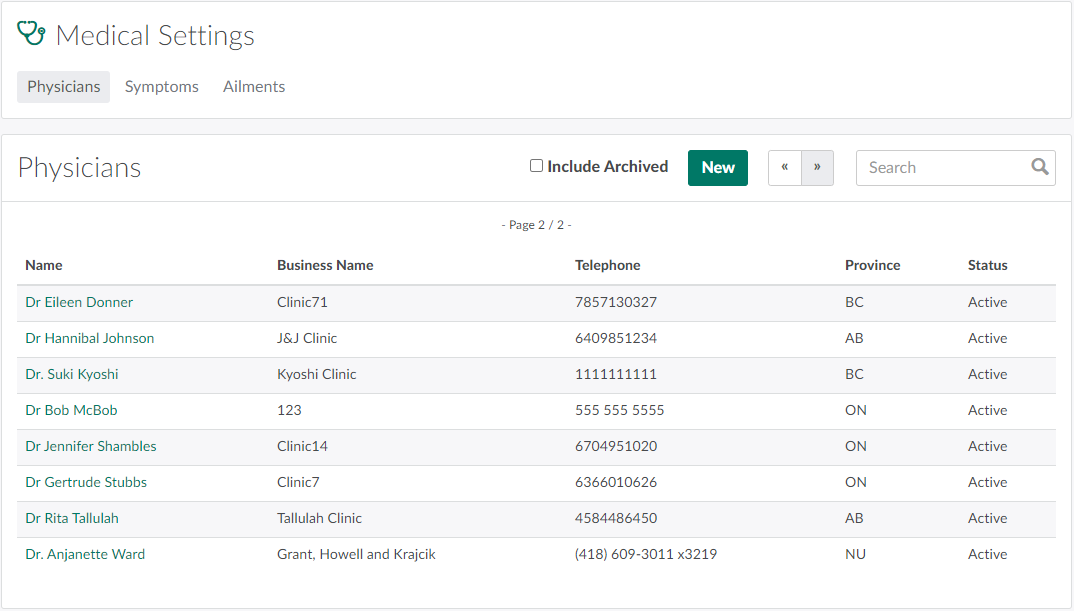
In the Medical Settings module, open the Physicians tab. It should open by default.
-
Select a physician to open the Physician's Profile.
-
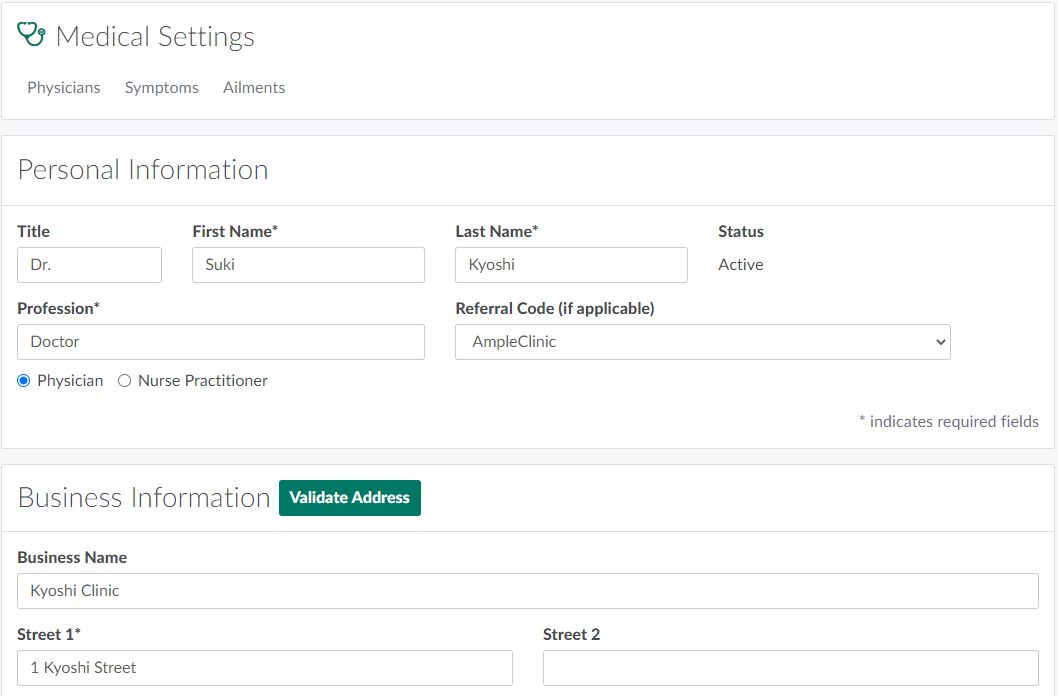
Make any necessary changes to the fields in the Personal Information or Business Information sections.
- Note*: If updating the physician's address in the Business Information section, click Validate Address to ensure the address exists.*
-
Click Save to update the physician's information.
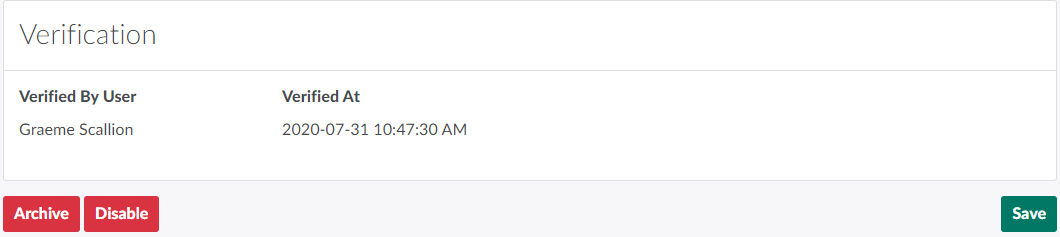
The Medical Settings module also allows a CSR to Add, Archive, or Disable a physician.