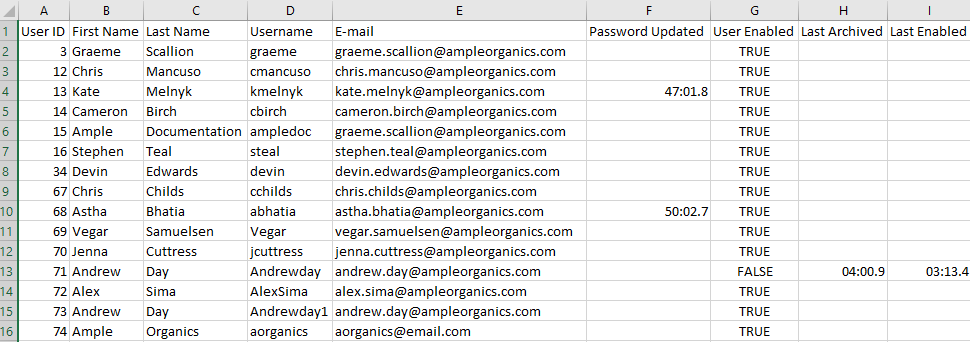
The User Admin Report allows a licence holder's administrators and managers to track changes to their user's accounts. The report tracks each user's name, username, email, security roles, and the time/date at which the user's account was last updated, disabled, or enabled. The report also tracks the last time each user's password changed.
Required permission(s): user_read, report_user_admin_read
-
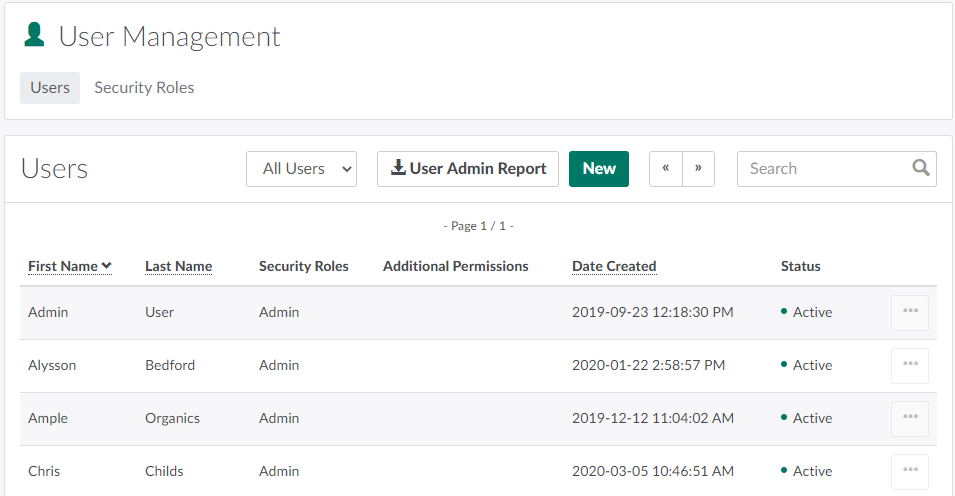
In the Settings module, open the User Management tab.
-
Click User Admin Report. This prompts the User Admin Report to download in CSV format.
From the User Management tab, an administrator can also Add a New User or Create a New Security Role.