Each vendor must designate at least one point of contact to serve as the license holder's connection to the external company. Follow this process to add vendor contact.
Required permission(s): vendor_read, vendor_update
-
In the Wholesale application, open the Vendors tab.
[img vendors-index] -
Select a vendor to open the Vendor's Profile*.*
[img vendor-profile] -
Open the Edit tab.
[img vendor-edit] -
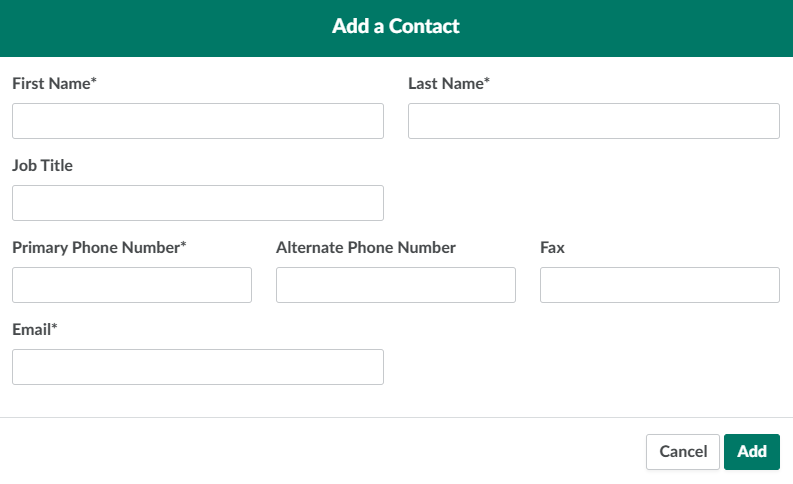
Scroll down to the Contacts section, and click Add a Contact. This opens the Add a Contact modal.
-
Enter information about the new contact in the fields provided. An asterisk* indicates a field is mandatory.
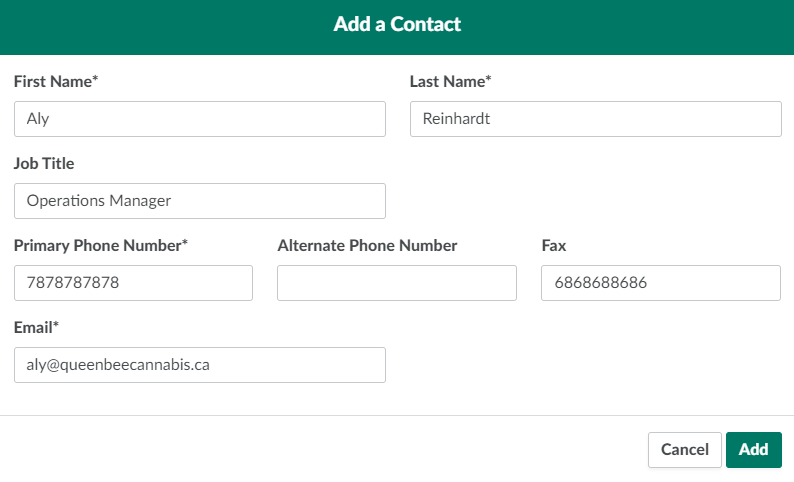
- First Name: The contact's first name.
- Last Name: The contact's last name.
- Job Title: The contact's title or position at the cannabis vendor.
- Primary Phone Number: The contact's primary phone number.
- Alternate Phone Number: The contact's mobile phone number.
- Fax: The contact's fax number.
- Email: The contact's email address.
-
Click Add to add the contact's information.
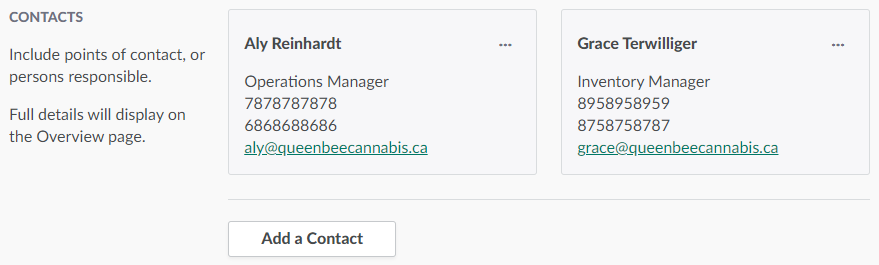
From the Vendor's Profile, add or edit the vendor's Addresses or Websites.