Each license holder has two Seed-to-Sale environments: A Production environment to manage all aspects of their facility, and a Preview environment to test out new features and experiment with the software without affecting real data. Follow the steps below to switch between environments on the Gun App.
-
Turn on the Scanner Gun.
-
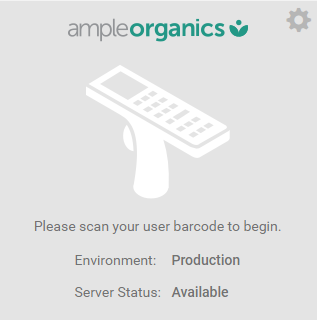
Tap the Ample Organics shortcut on the desktop. This opens the Gun App login page.
-
Click the

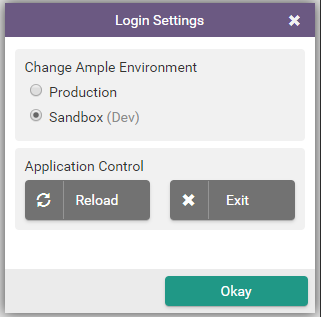
icon to access the Login Settings modal.
-
Select the desired environment.
-
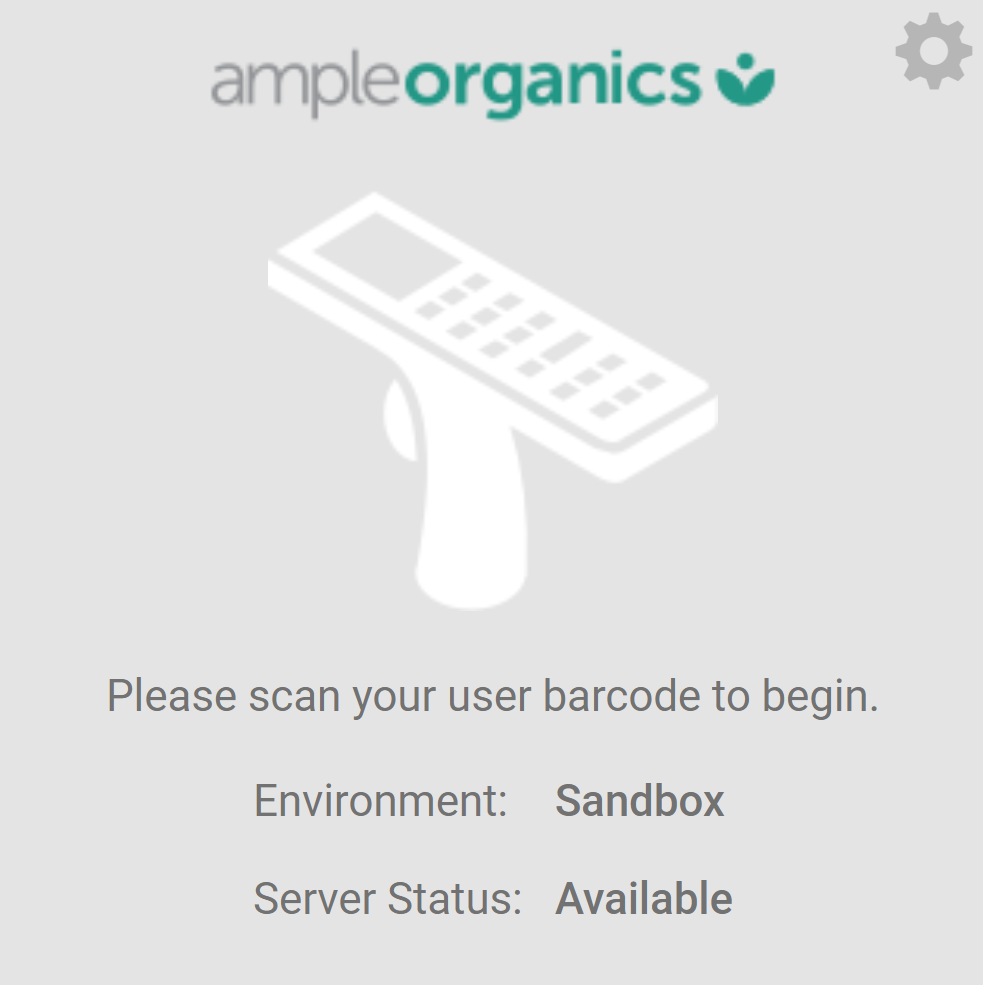
Click Okay.This redirects to the Gun App's login page, where you can Log In using your user tag and password.
Gun App functions are split between four modules: Grow Room, Order Fulfillment, Packaging Runs, and Other.