To expedite the order fulfillment process, Fulfillment Associates can generate and print a picking list for multiple orders. Each order on the picking list includes a summary of all products to be picked, as well as a QR code to allow the associate to access Order Fulfillment functions.
Fulfillment Associates can also Generate a Picking List from the Orders module.
-
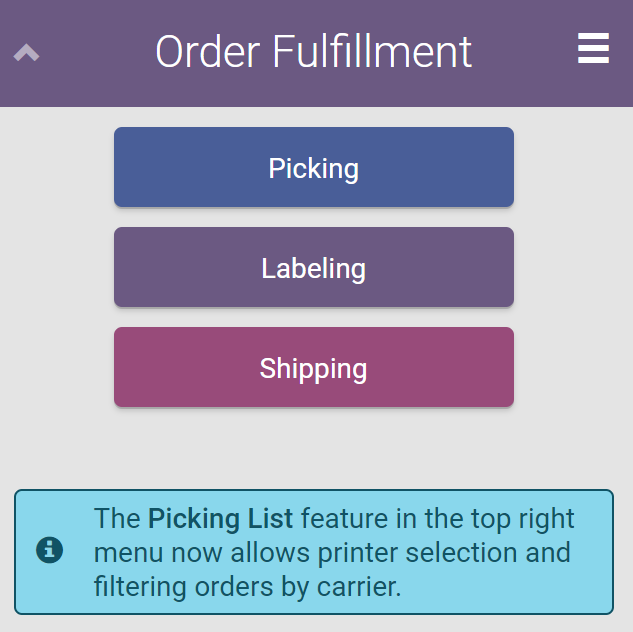
Log into the Gun App and open the Order Fulfillment module.
-
Tap the

icon to open a menu of options.
-
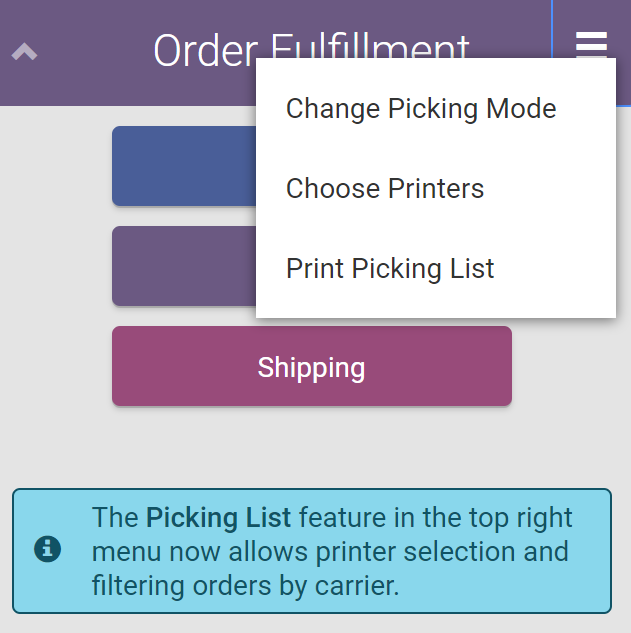
Select Print Picking List.This opens picking list options.
-
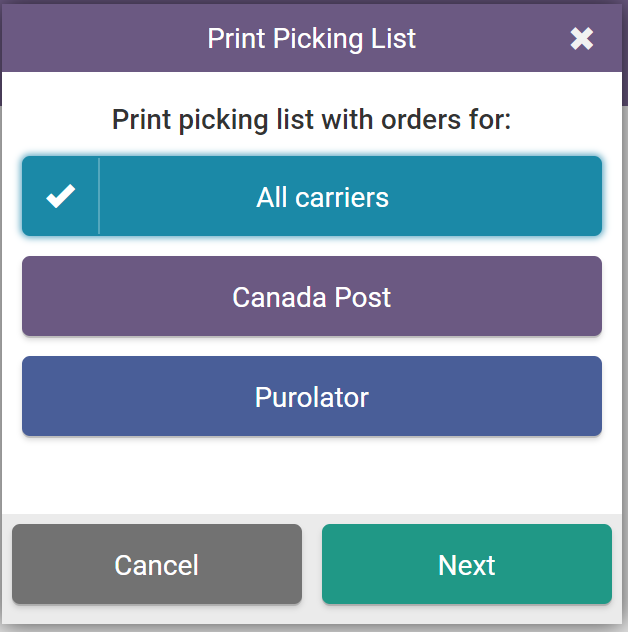
Select a carrier or All carriers to indicate whether the picking list should include orders from a specific carrier or all carriers.
-
Tap Next to proceed to the printer selection screen.
-
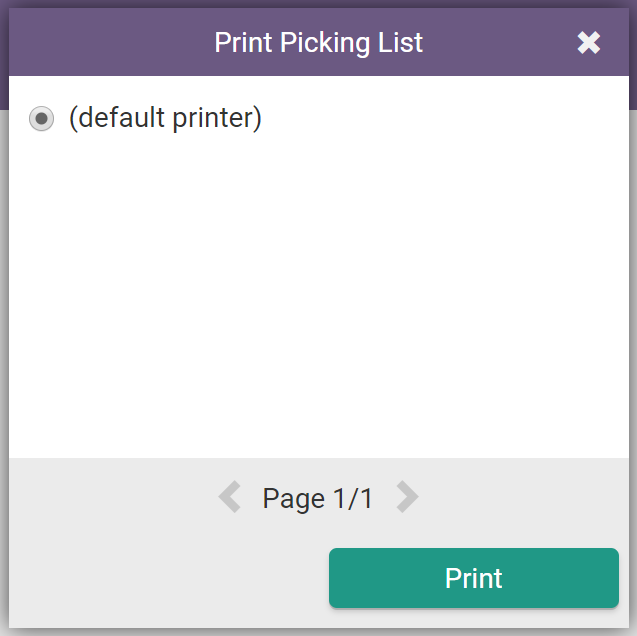
If multiple printer options are available, select a printer.
-
Tap Print to print the picking list.
Before picking EA units to fulfill orders, Fulfillment Associates should Select a Picking Mode that best suits their facility's order fulfillment process.