After creating a new destruction lot or child lot, also known as a sublot, a Grow Technician should immediately label the lot. Labeling a Destruction Lot serves two distinct purposes: First, the label identifies the lot by its unique name and ID number. Secondly, and most importantly, each label includes a unique barcode that Grow Technicians can scan to interact with the Destruction Lot through the Gun App.
A Grow Technician can also print a destruction sublot/child lot label through the Destruction module.
Required permission(s): destruction_lot_read
-
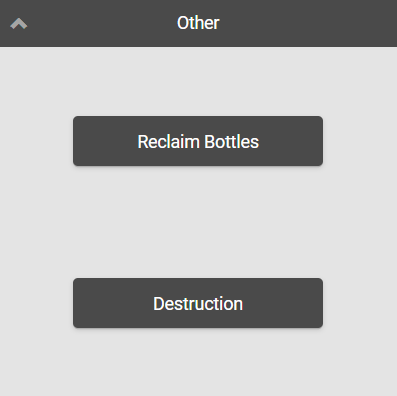
Log into the Gun App, and open the Other module.
-
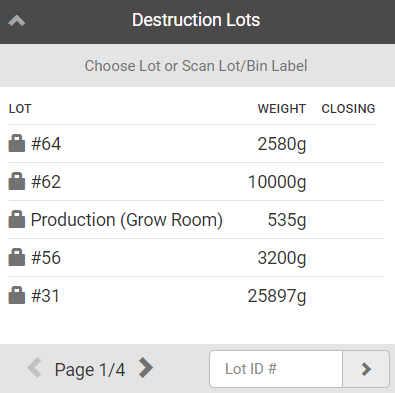
Select Destruction to open a list of Destruction Lots.
-
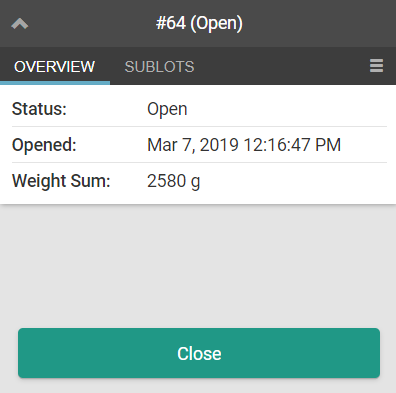
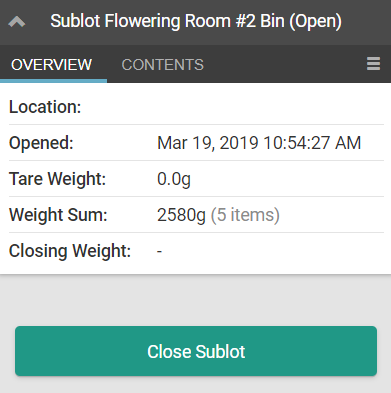
Select a Destruction Lot to open the lot's Overview tab.
-
If the desired destruction lot is a sublot/child lot:
-
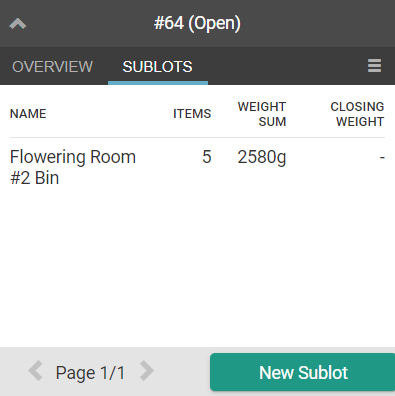
Open the Sublots tab.
-
Select a sublot to open the lot's Overview tab. Proceed with step 4.
-
-
-
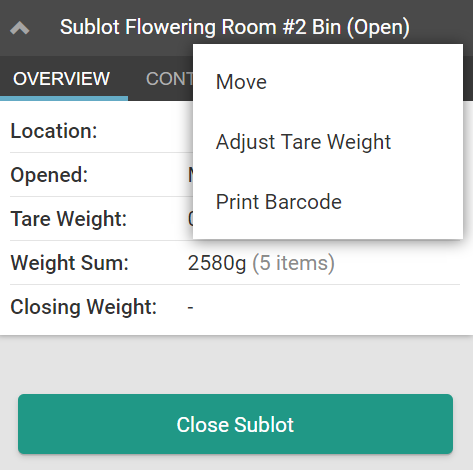
Click the

icon to open a menu of options.
-
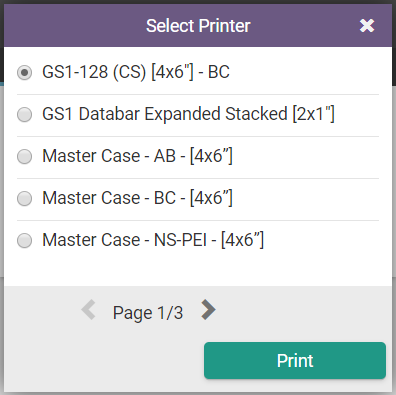
Select Print Barcode. This opens a printing modal.
-
Select a printer, and click Print. Once the label prints, affix the label to the destruction vessel immediately.
Through the Gun App, a Grow Technician can also print labels for Individual Plants, Multiple Plants, Batches, and Seed Lots.