In the event of a product recall, a license holder must quickly pull the affected product from the Client Portal so that no further units are sold.
Required permission(s): product_read, product_update
-
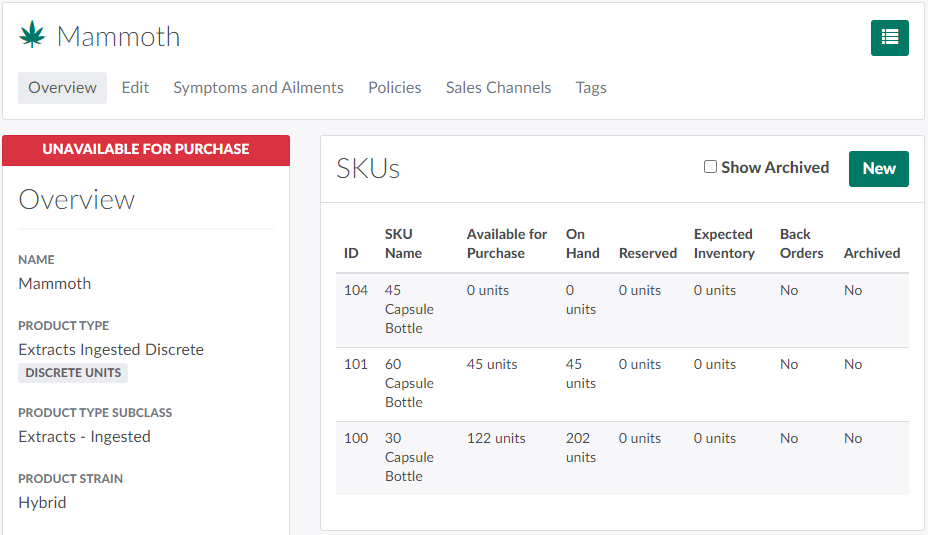
In the Products module, select a product. This opens the Product's Profile.
[img product-overview] -
Click the

icon to open a menu of options.

-
Select Stop Selling.This marks the product and its SKUs as Unavailable For Purchase.
If a recall is specific to a single SKU, the license holder can Stop Selling an Individual SKU. This removes the affected SKU from the Client Portal and leaves any other SKUs available for sale.
Visit the Recall Process Guide for more information on what to do in the event of a product recall.