If a product is discontinued, a Product Manager should archive the product to keep the Products dashboard organized.
Required permission(s): product_read, product_update
-
In the Products module, select a product.
[img product-overview] -
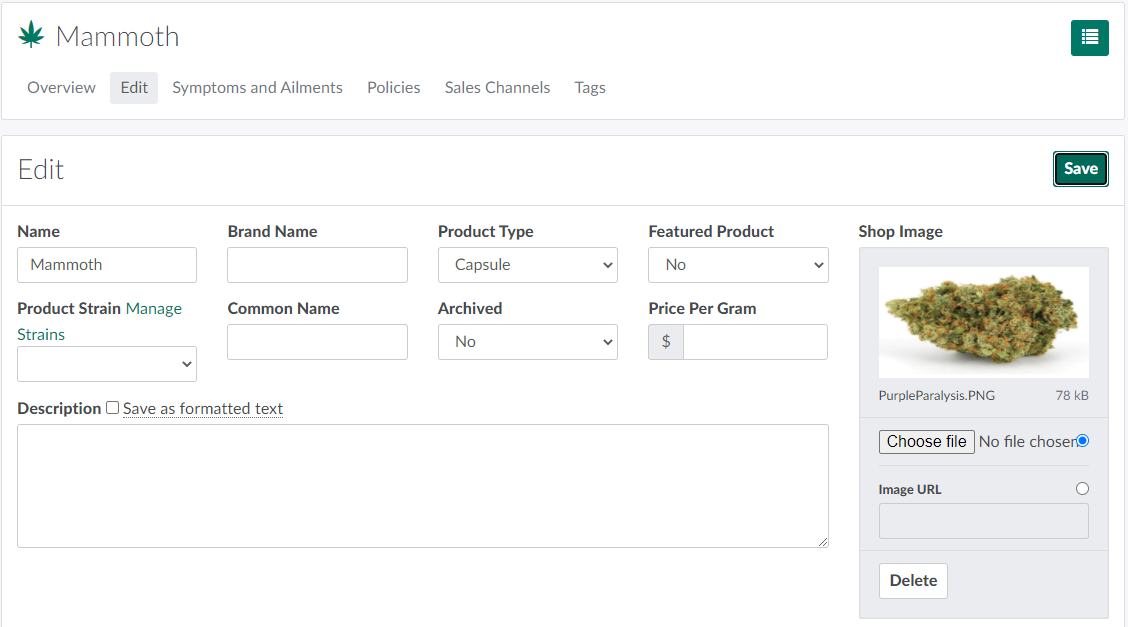
Open the Edit tab.
-
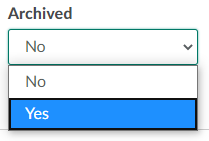
Open the Archived drop-down menu, and select Yes.
-
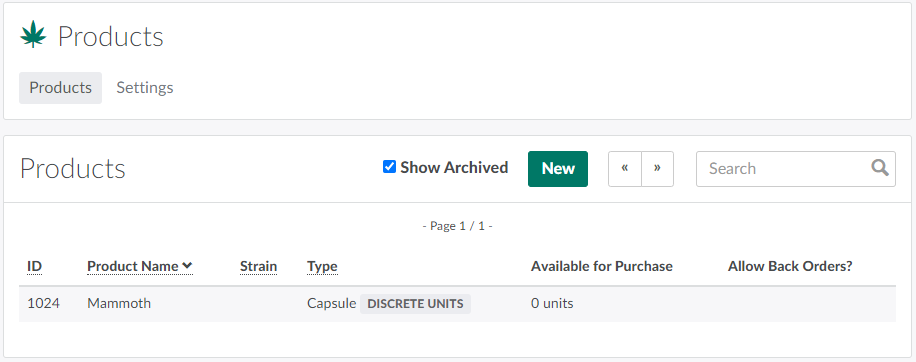
Click Save to archive the product.
Click New to Create a New Product.