When configuring a product, a product manager must indicate which policies apply to the product. This does not include Global Policies, which cover any products.
Required permission(s): product_read, product_update
-
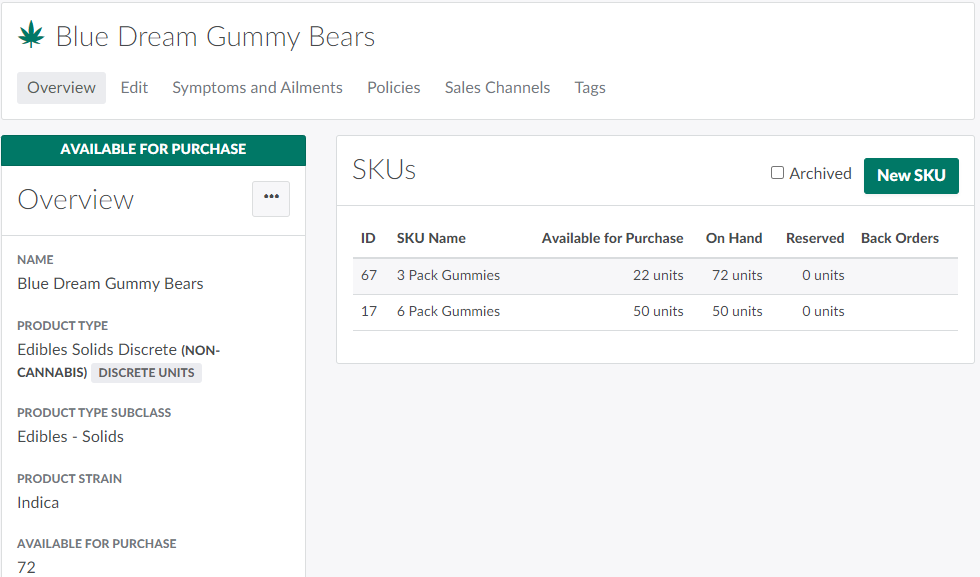
In the Products module, select a product.
-
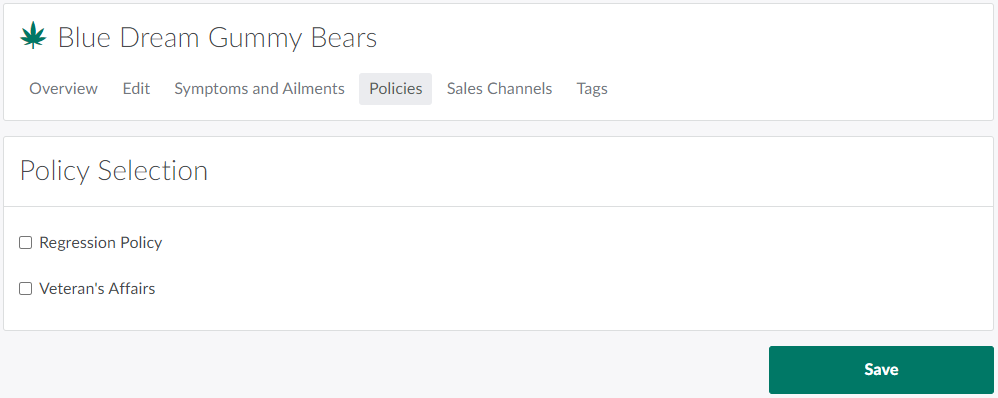
Open the Policies tab.
-
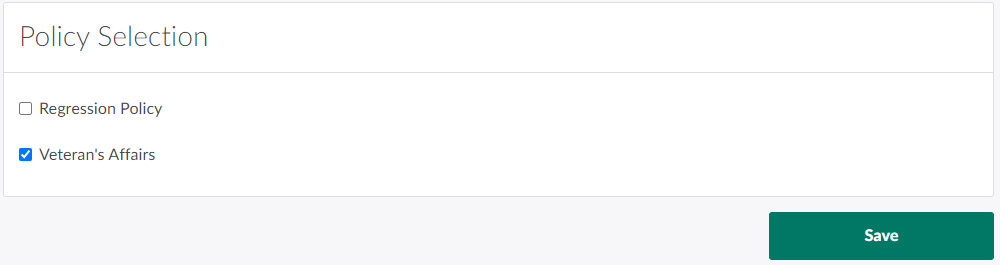
Check the boxes beside all policies that apply to the product.
-
Click Save. The product is now covered under the selected policies.
Visit the Clients module to Create a New Policy or Add a New Policy Type.