A product tag is a piece of metadata used to identify a specific characteristic of a product that may not appear anywhere in the product's description. This improves searchability in the Client Portal. To remove a tag from a product, follow the steps below.
Required permission(s): product_read, product_update
-
In the Products module, select a product.
[img product-overview] -
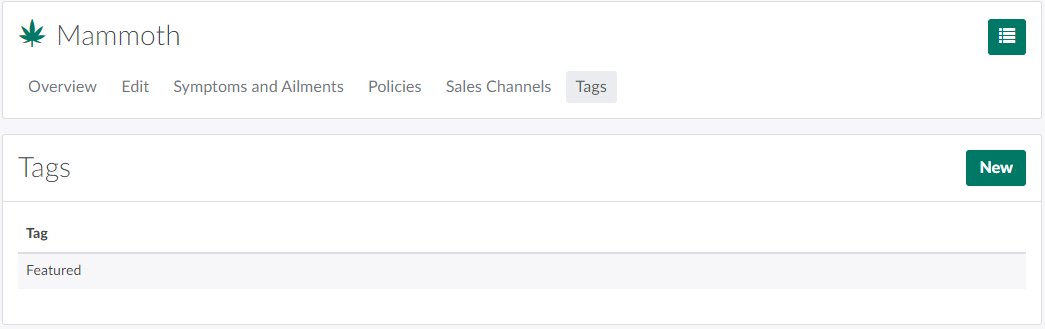
Open the Tags tab.
-
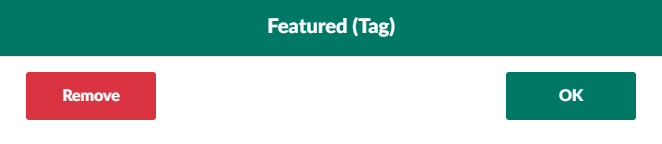
Click on a tag saved to the product. This opens the Tag modal.
-
Click Remove to remove the tag from the product.
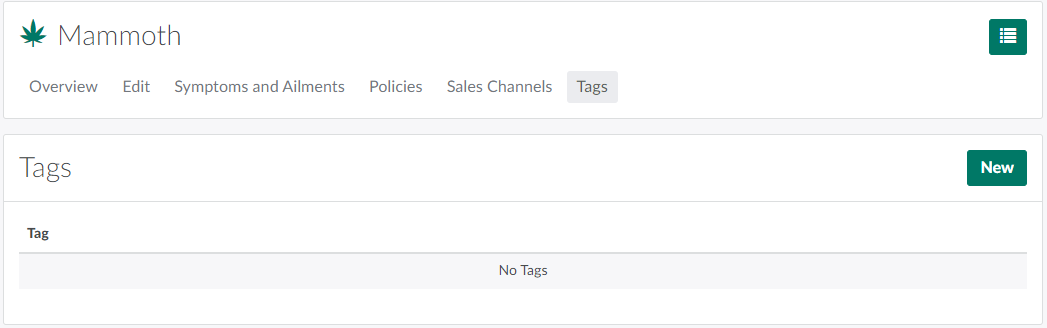
Click New to Add Tags to the Product, or visit the Product Settings tab to Create a New Product Tag.