Discount types identify the nature of a discount or policy type, and promote reporting accuracy on the Policy Type report, Policy Usage report, and Discount report.
Required permission(s): discount_code_read, discount_type_create
-
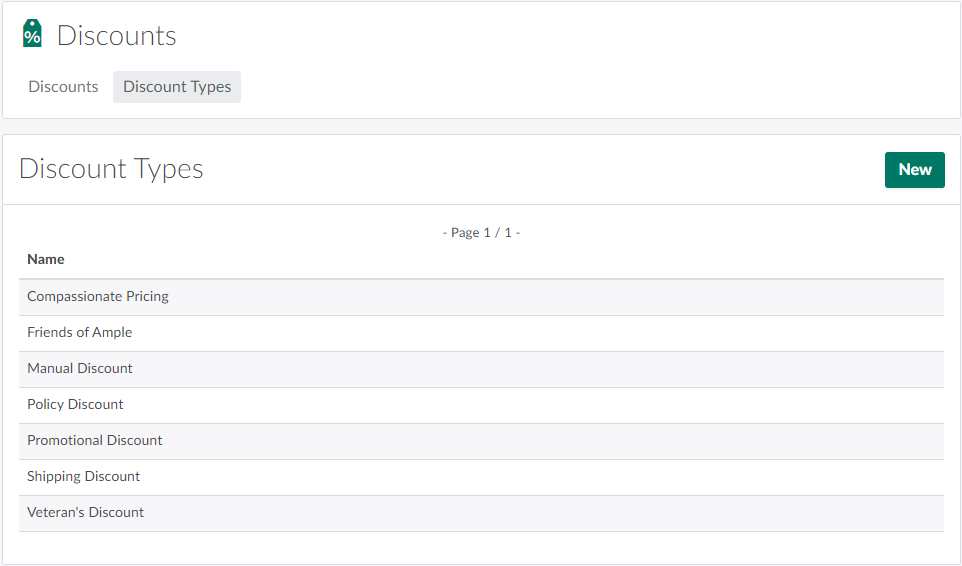
In the Discounts module, open the Discount Types tab.
-
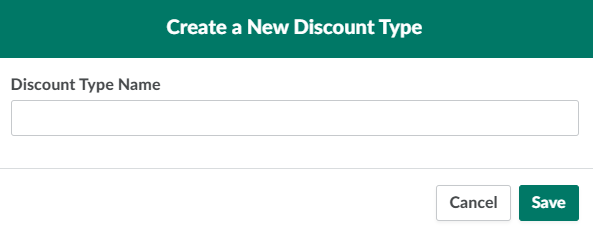
Click New. This opens a Create a New Discount Type modal.
-
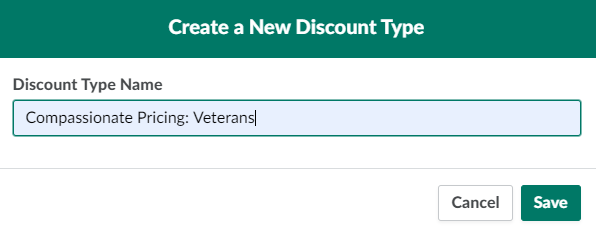
Enter a descriptive name for the discount type in the field provided.
-
Click Save to add the new discount type.

Discount types come into play when Creating a Discount or Adding a Policy Type.