If a bottle is destroyed in error from an Order's Profile, a Customer Service Representative–or CSR–can reverse the destruction and restore the bottle.
Required permission(s): order_read, destruction_lot_read, order_update
-
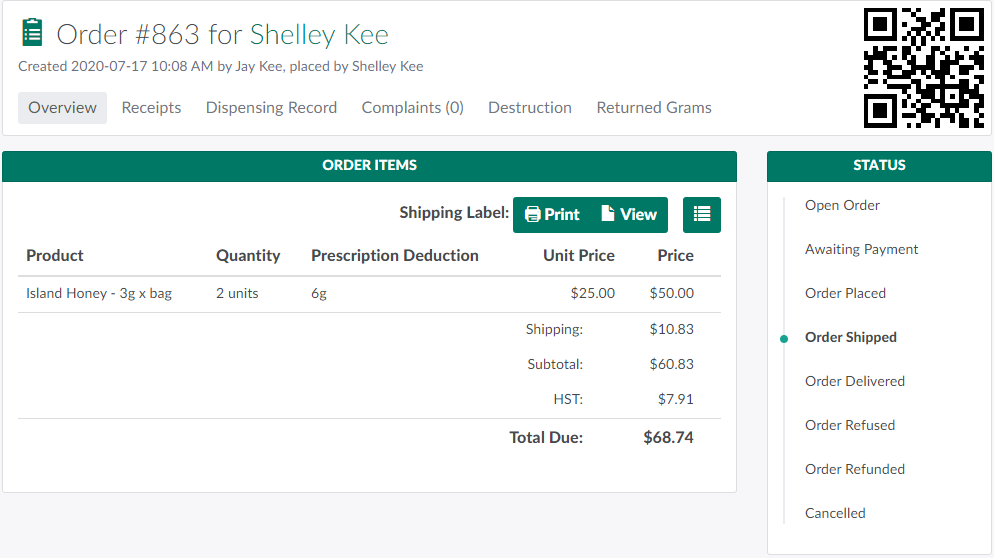
In the Orders module, select an order that has been Placed, Shipped, or Delivered.
-
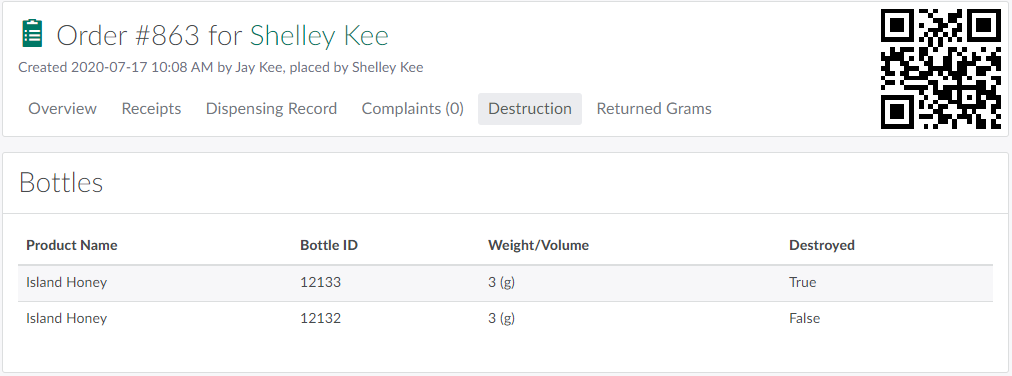
Open the Destruction tab. Here, a CSR can see all bottles that have been picked for the order, and each bottle's destruction status.
-
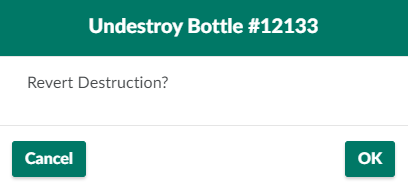
Select a bottle that has been destroyed. This opens the Undestroy Bottle modal.
-
A destroyed bottle will read True in the Destroyed column.
-
-
Click OK to restore the bottle.

Visit the Recall Process Guide for information on product recall procedures.