When recording a complaint from a client, a Customer Service Representative–or CSR–enters details of the complaint and tracks its investigation through the Complaint's Profile. Generate information about a specific complaint into a PDF document following the process below.
Required permission(s): complaint_read, report_complaint_read
-
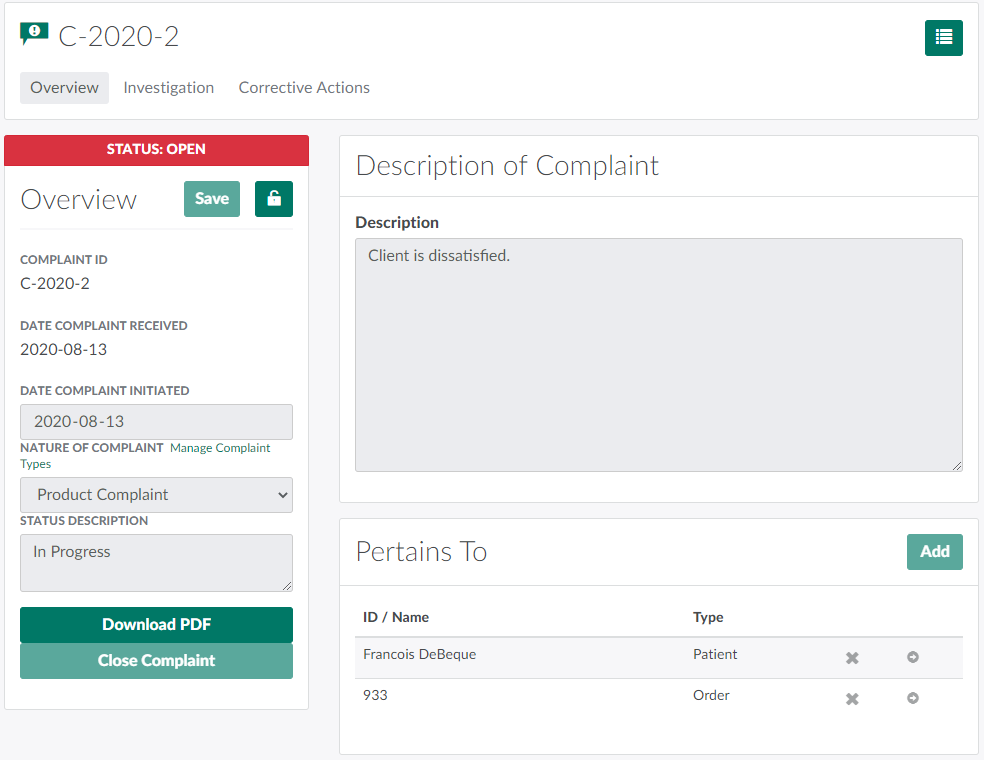
In the Complaints module, select a complaint.
-
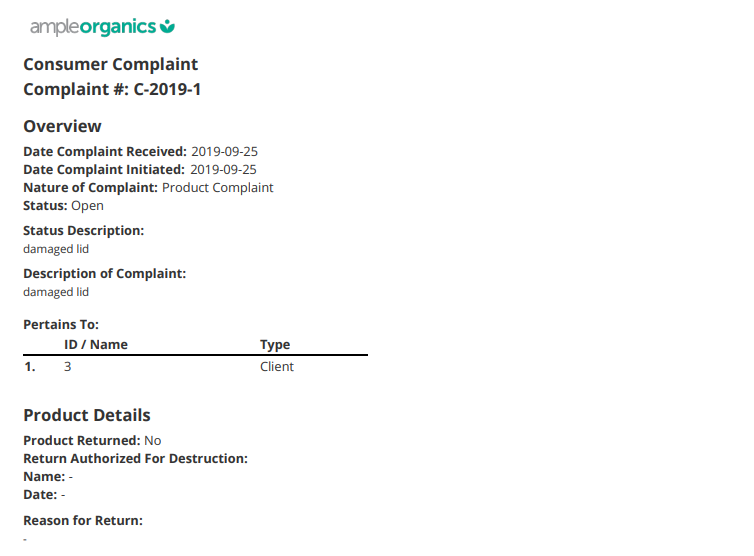
Click Download PDF. This prompts the Complaint Report to download, in PDF format.
Visit the Complaints Reports sub-tab in the Reports module to generate a report on all complaints filed over a given time period.