Lab report threshold default values determine how lab report data appears on the finished product's labels. For example, if the default THC threshold is set to "0.07%", and the lab results show the Bulk Lot's THC potency at "0.05%", the THC value on the product's label will appear as "<0.07%".
Required permission(s): setting_update
-
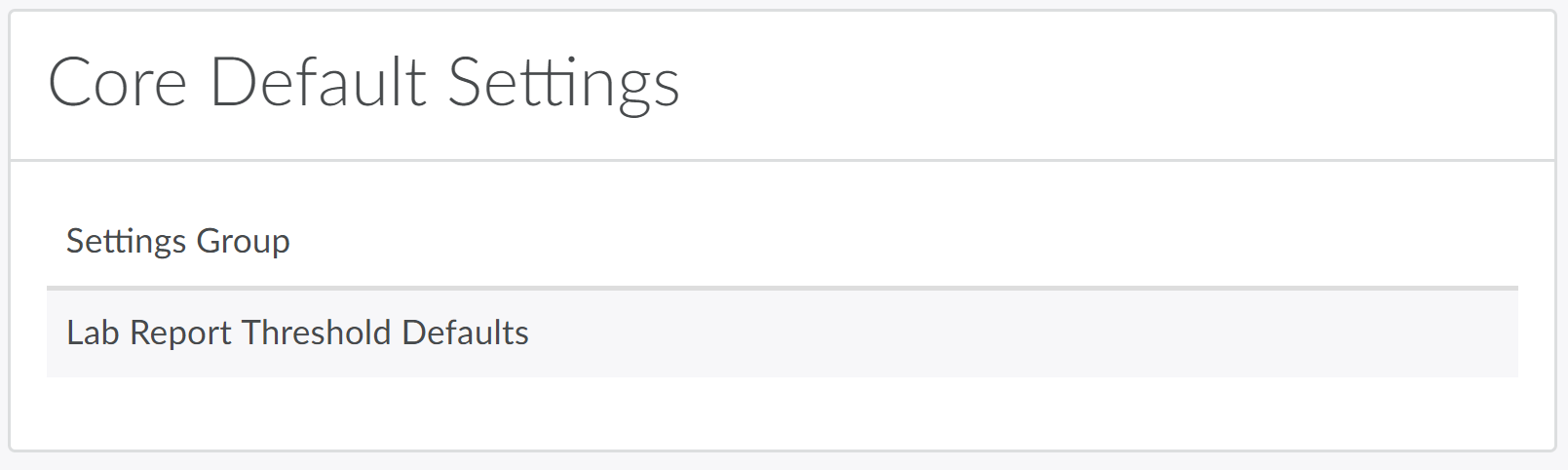
In the Settings module, open the Core Default Settings tab.
-
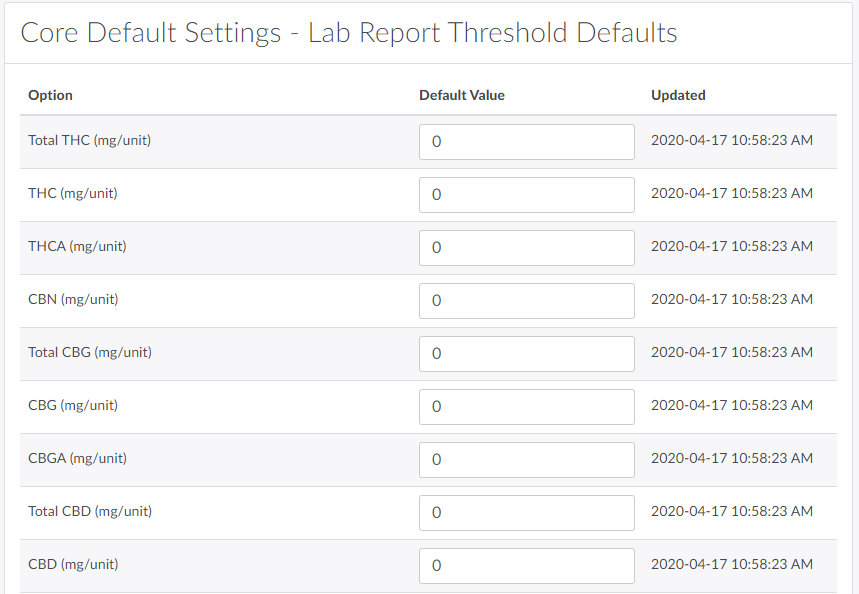
Select Lab Report Threshold Defaults.This opens an index of default reporting values to record each cannabinoid potency in mg/unit, mg/g/unit, mg/g, mg/ml, percentage (%), and mg.
-
Update default values as necessary.

-
Click Save to save the updated default values.
QA Technicians encounter lab report threshold defaults when Updating a Lab Report with COA Results.