If a Grow Technician advances a plant in error, they should follow the steps below to revert the plant to the previous stage.
Required permission(s): plant_read, batch_read, plant_update
Note*: This process applies when plants are labeled individually. If the license holder does not label plants individually, revert plants at the Batch Level.*
-
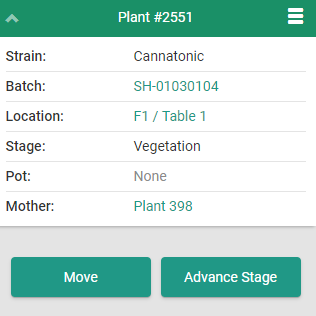
Open a plant's summary page by scanning its barcode or clicking a hyperlink.
-
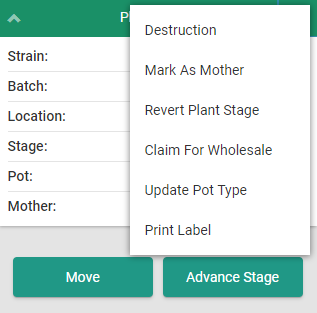
Click the

icon to open a menu of options.
-
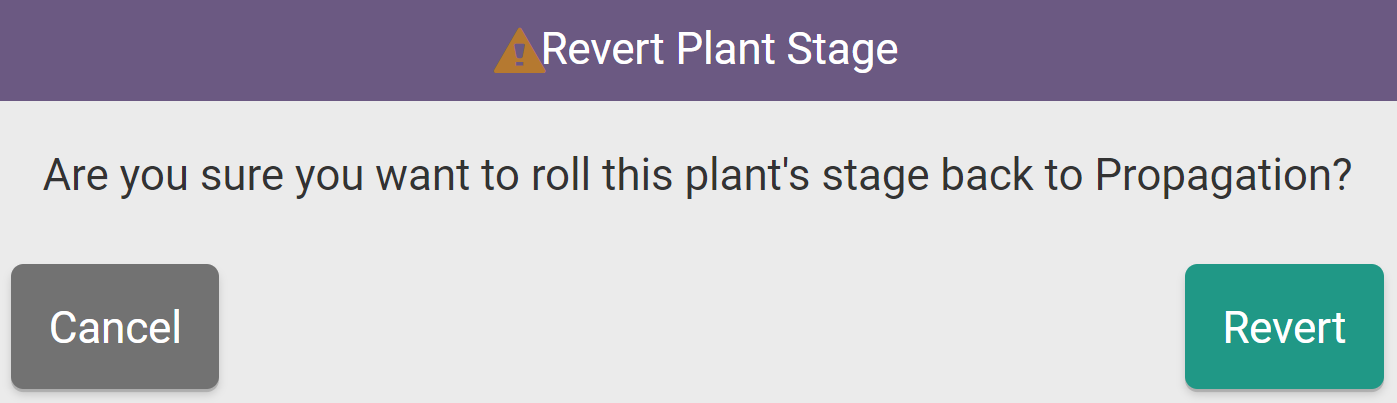
Select Revert Plant Stage. This opens the Revert Plant Stage confirmation modal.
-
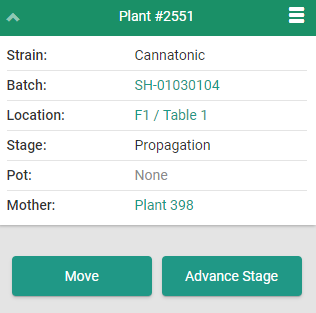
Click Revert to set the plant back to the previous stage.
Through the Gun App, a Grow Technician can also Revert the Stage of Multiple Plants.