A client examining their order records can quickly locate a specific order by filtering their order history by a date range.
-
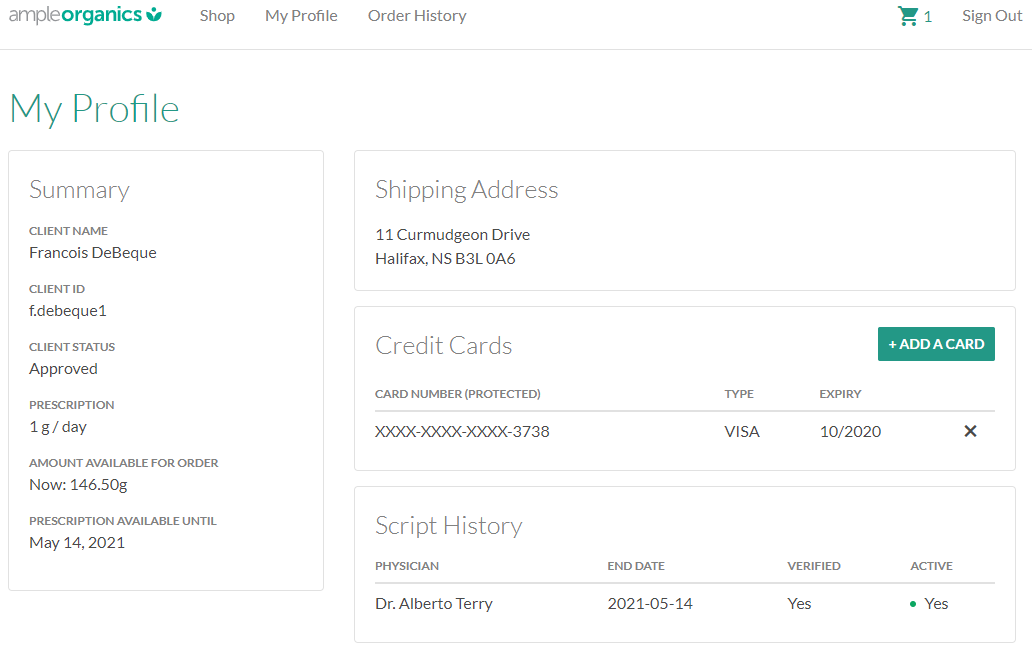
Log into the Client Portal. The My Profile tab will be open by default.
-
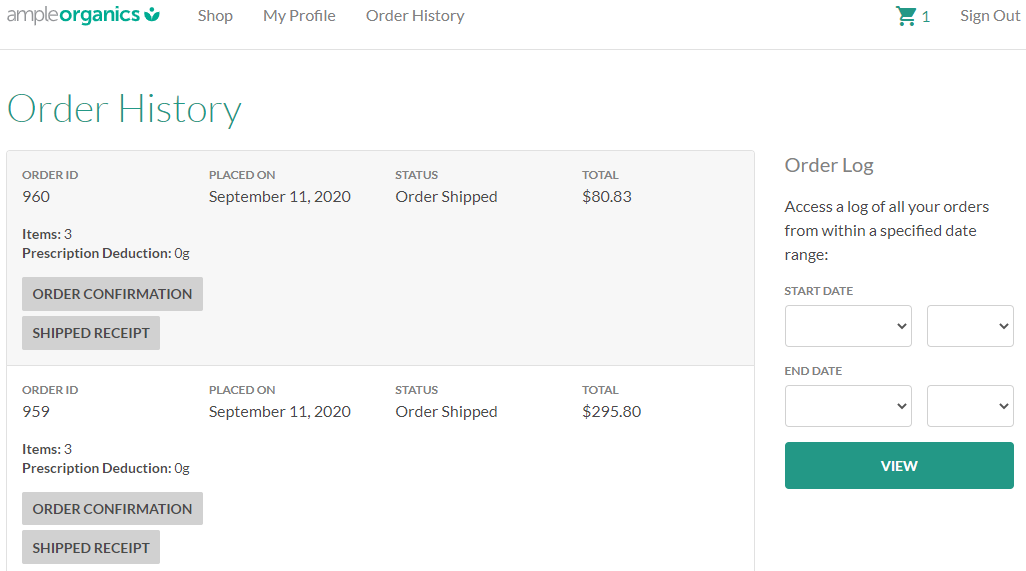
Open the Order History tab.
-
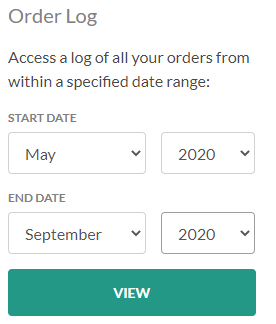
Enter a start and end date in the fields provided.
-
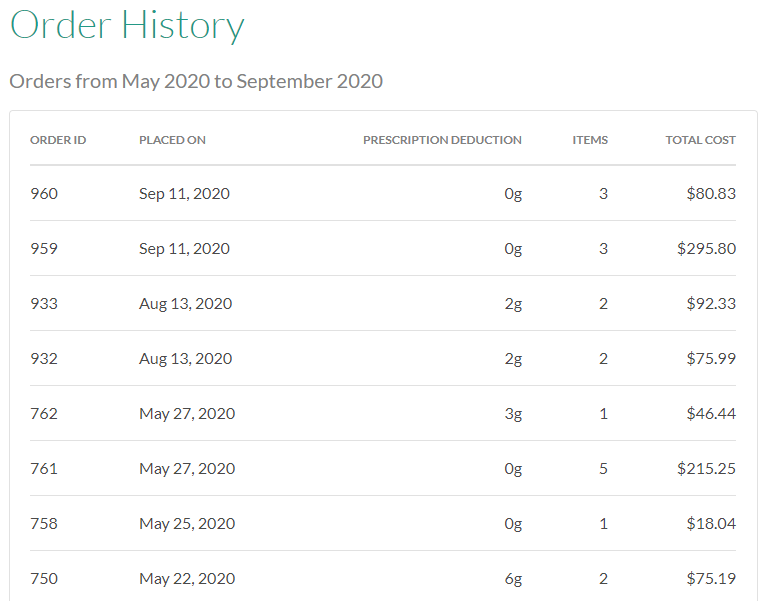
Click View to retrieve a list of orders placed within the specified date range.
From the Order History tab, a client can also Download an Order Confirmation Receipt or a Shipping Receipt.